Time Blocking for People Who Hate Schedules (But Need One)

You don’t hate schedules. You hate fantasy schedules.
You know the ones: color-coded Google Calendar masterpieces where you “deep work” for 4 hours, drink 3 liters of water, read 50 pages, meal prep, go on a hot girl walk, and somehow become a new person by 2:30 PM. Then reality shows up: your phone buzzes, TikTok starts playing the same sound for the 900th time, and suddenly it’s 11 PM and you’re researching “why am I like this” like it’s a paid internship.
Here’s the truth: if you’re struggling with overcoming procrastination and staying focused, you don’t need more motivation. You need a system that doesn’t negotiate with your inner gremlin.
That’s where time blocking comes in—but we’re doing it for people who hate schedules: simple, flexible, and built for real life. And if you still try to “just do it later,” Mom Clock will do what your willpower won’t: block distractions and make “tomorrow” unavailable.
Why Time Blocking Works (Even If You’re a “I’ll Do It Later” Person)
Time blocking is basically telling your day: “You. Here’s the plan. Don’t freestyle.”
Instead of a vague to-do list that you avoid like eye contact with a mall kiosk salesperson, you assign tasks to actual chunks of time. This is huge for time management for Gen Z, because our biggest enemy isn’t laziness—it’s:
- decision fatigue (“what should I do first?”)
- open-ended tasks (“I’ll start… after one more video”)
- distractions disguised as “breaks”
Time blocking removes the guessing. You show up, do the thing, leave.
And yes, it’s annoying. So is brushing your teeth. Do it anyway.
Time Blocking for People Who Hate Schedules: The “Don’t Make Me” Method
1) Start With a “Two-Block Day” (Because You’re Not a Robot)
If scheduling every 30 minutes makes you want to vanish into the woods, don’t do that. Start with just two blocks:
- One Focus Block (60–90 minutes): the task you’ve been avoiding
- One Life Block (30–60 minutes): errands, meals, chores, admin, replying to messages like a functioning human
That’s it. That’s the schedule.
This is the easiest way to learn how to stop procrastinating without pretending you’re suddenly a disciplined CEO with a morning routine and a capsule wardrobe.
Action step: Pick your Focus Block time before your day starts (or Mom Clock will pick it for you with consequences).
How to Avoid Distractions (Like Your 3rd TikTok Scroll) and Actually Stay Focused
2) Make Distraction a Physical Inconvenience
Willpower is cute. It’s also unreliable. So we’re using friction.
Here’s what to do during your Focus Block:
- Put your phone in another room
- Use Do Not Disturb
- Close extra tabs (yes, even the “important” ones titled “how to glow up overnight”)
- Tell people you’re busy (you don’t owe instant replies—relax)
And if you’re thinking, “I’ll just keep TikTok open but not look at it,” be serious.
Mom Clock move: set Mom Clock to block distracting apps during your Focus Block. No loopholes. No “just five minutes.” It’s giving: accountability.
Action step: Create a “Focus” block list in Mom Clock: TikTok, Instagram, YouTube, games, whatever turns your brain into a screensaver.
Time Blocking: Not Just for Your Mom’s Calendar (You Need It Too)
3) Use “Theme Blocks,” Not Micromanagement
You don’t need to schedule every single task. That’s how you end up rage-quitting your planner and eating cereal for dinner out of spite.
Instead, use theme blocks:
- School/Work Block: assignments, emails, meetings
- Life Admin Block: laundry, groceries, appointments
- Health Block: workout, walk, meal
- Clean Block: 20-minute reset (not a deep clean, relax)
Inside the block, pick one thing to start with. Once you begin, momentum usually kicks in.
Action step: Write 3 theme blocks for tomorrow. That’s your entire time-blocking system. Simple. Effective. Barely annoying.
Overcoming Procrastination: The “Starter Task” Trick That Actually Works
4) Shrink the Task Until It’s Embarrassing Not to Start
Procrastination loves big scary tasks. So make them tiny.
Instead of:
- “Write essay”
Do:
- “Open doc and write the title”
- “Find 2 sources”
- “Write the first ugly paragraph”
You’re not committing to finishing. You’re committing to starting. And starting is where procrastination dies.
Strict mom energy: You don’t need to feel ready. You need to begin. Feelings can catch up.
Action step: For every Focus Block, define a starter task that takes 2–5 minutes. Put that in your block title.
How to Actually Finish What You Started (Without Pulling an All-Nighter)
5) End Every Block With a “Parking Lot” Note
Ever stop working and then the next day you’re like, “What was I doing? Who am I? What is time?” That’s how projects stall.
Before your block ends, write a quick “parking lot” note:
- What you just did
- The next step
- Any links/files you need
Example:
“Finished outline. Next: write intro + first body paragraph. Use Source A + B (links in doc).”
This makes it way easier to restart—key for staying focused long-term.
Action step: Last 2 minutes of every block = parking lot note. No exceptions. Mom is watching.
The Gen Z Time Blocking Template (Flexible, Not Delusional)
Here’s a simple day you can copy-paste into your brain:
Option A: Student / Busy Day
- 10:00–11:15 Focus Block (hardest task first)
- 11:15–11:30 Break (walk, snack, stare at wall)
- 11:30–12:30 Life Admin Block
- 2:00–3:00 School/Work Block (lighter tasks)
- Evening: Free time (yes, schedule fun—your brain needs it)
Option B: “I’m Behind on Everything” Day
- 90 min Focus Block
- 30 min Break
- 60 min Focus Block
- Stop. Do not pretend you’re a machine.
You’re building consistency, not punishing yourself.
Make Time Blocking Stick: Rules That Prevent Schedule Rebellion
6) Use These “No Drama” Rules
- Rule 1: Always leave buffer. If you schedule back-to-back blocks all day, you will fail and then blame time blocking. That’s on you.
- Rule 2: Schedule breaks on purpose. Breaks aren’t a reward. They’re maintenance.
- Rule 3: One block = one priority. Multitasking is just procrastination in a trench coat.
- Rule 4: If you miss a block, don’t scrap the day. Move it. Adjust. Continue. No spiral.
Mom Clock energy: You’re allowed flexibility. You’re not allowed excuses.
Recommended Tools (AKA Your Anti-Procrastination Stack)
- Mom Clock (for strict blocking + focus enforcement)
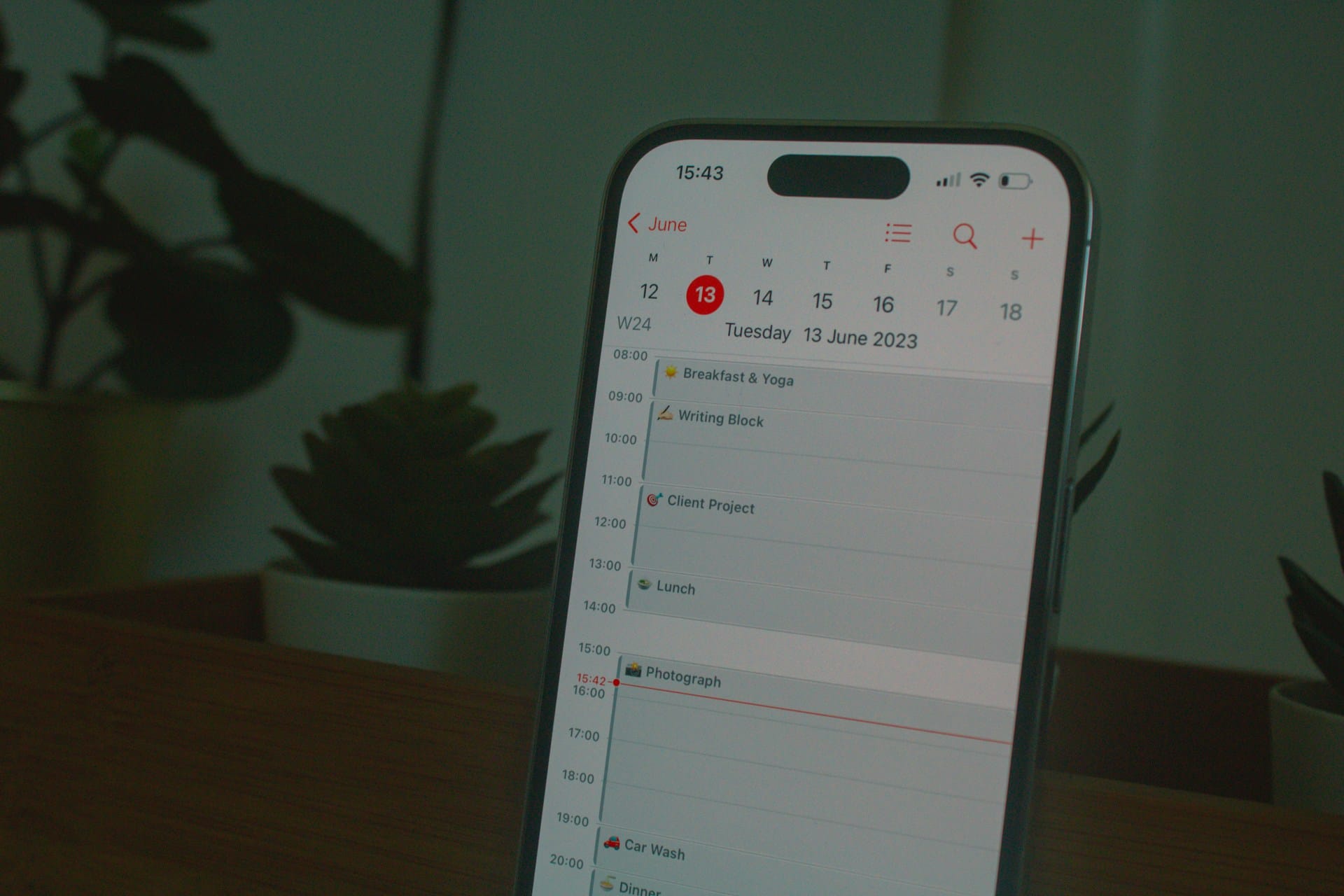
- Google Calendar / Apple Calendar (for time blocks)
- Notes app (for parking lot notes)
- A timer (optional, but useful if you’re time-blind)
External resource (helpful):
- Pomodoro technique overview (25/5 method):
Use it inside your blocks if you need extra structure.
You Can Hate Schedules and Still Get Your Life Together
You don’t need a perfect routine. You need a plan you’ll actually follow—and a system that doesn’t crumble the second your brain whispers, “What if we just scroll?”
Ready to stop making excuses? Download Mom Clock and set your first Focus Block today. We’ll block the distractions, remove the “later,” and basically do what your willpower keeps refusing to do.
No snooze. No negotiations. Start now.