Focus
Make room for what matters.
Mom Clock gives your focus time a clear start, stronger boundaries, and gentle accountability when your attention wanders.


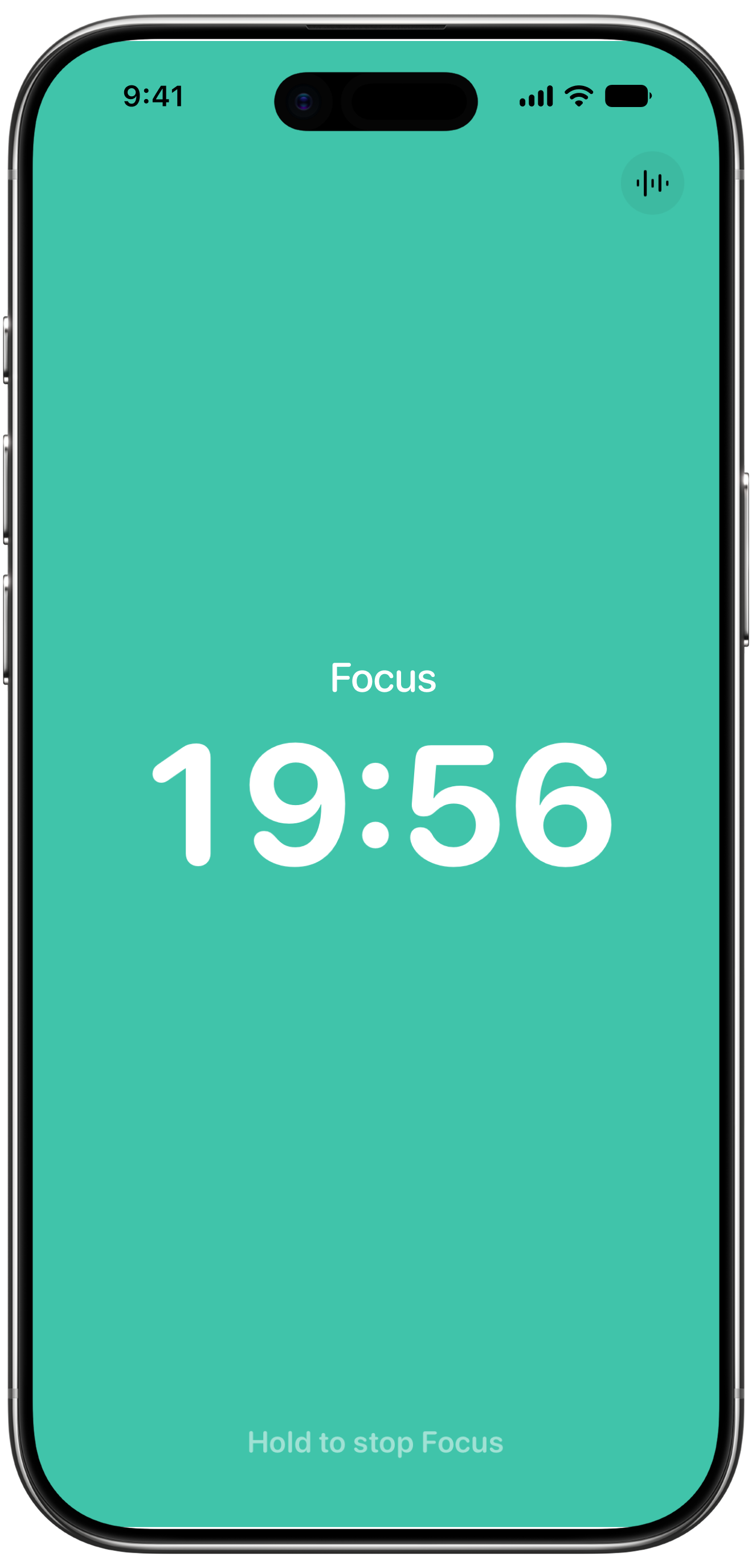
Give focus a beginning.One task at a time.
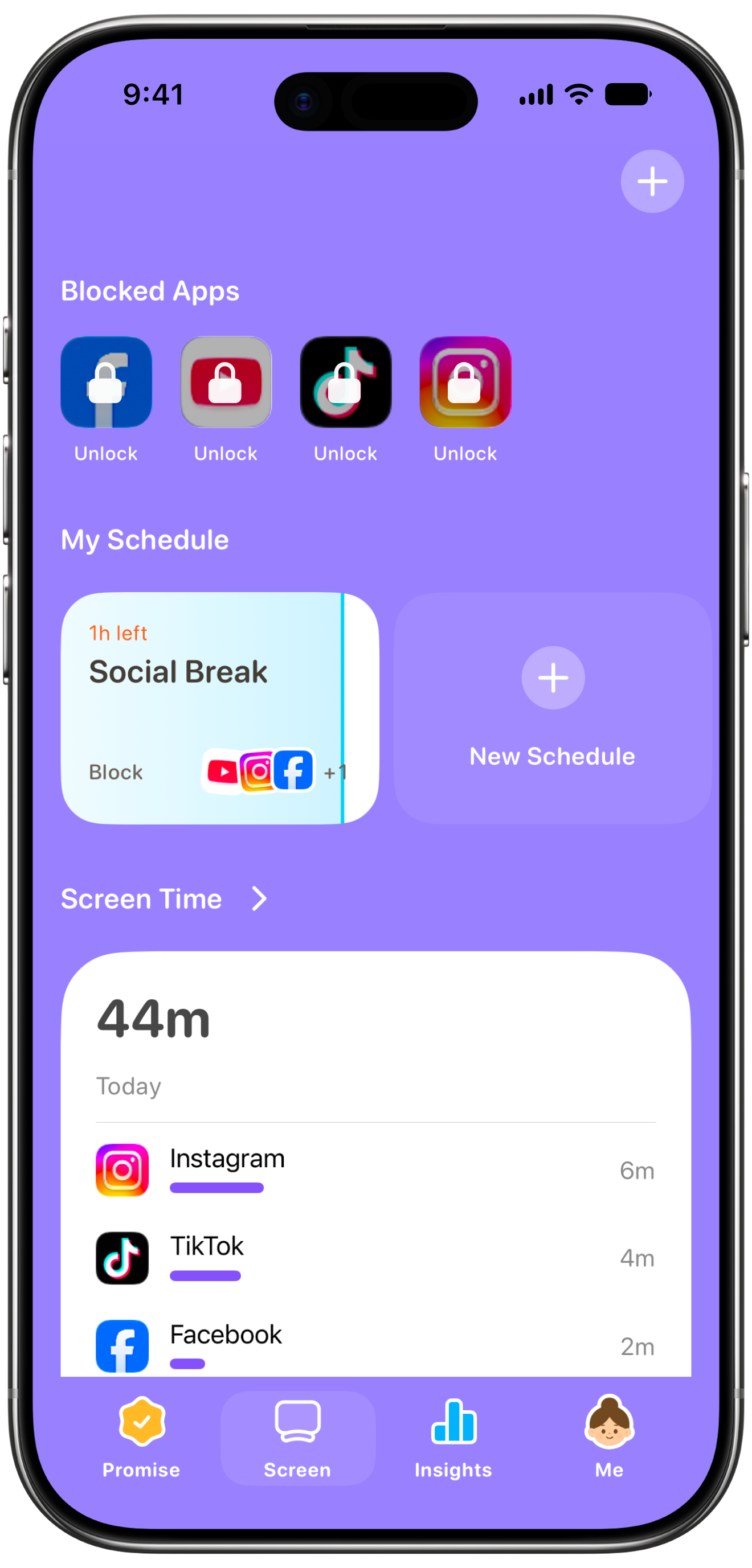
Keep distractions out.Keep your attention here.
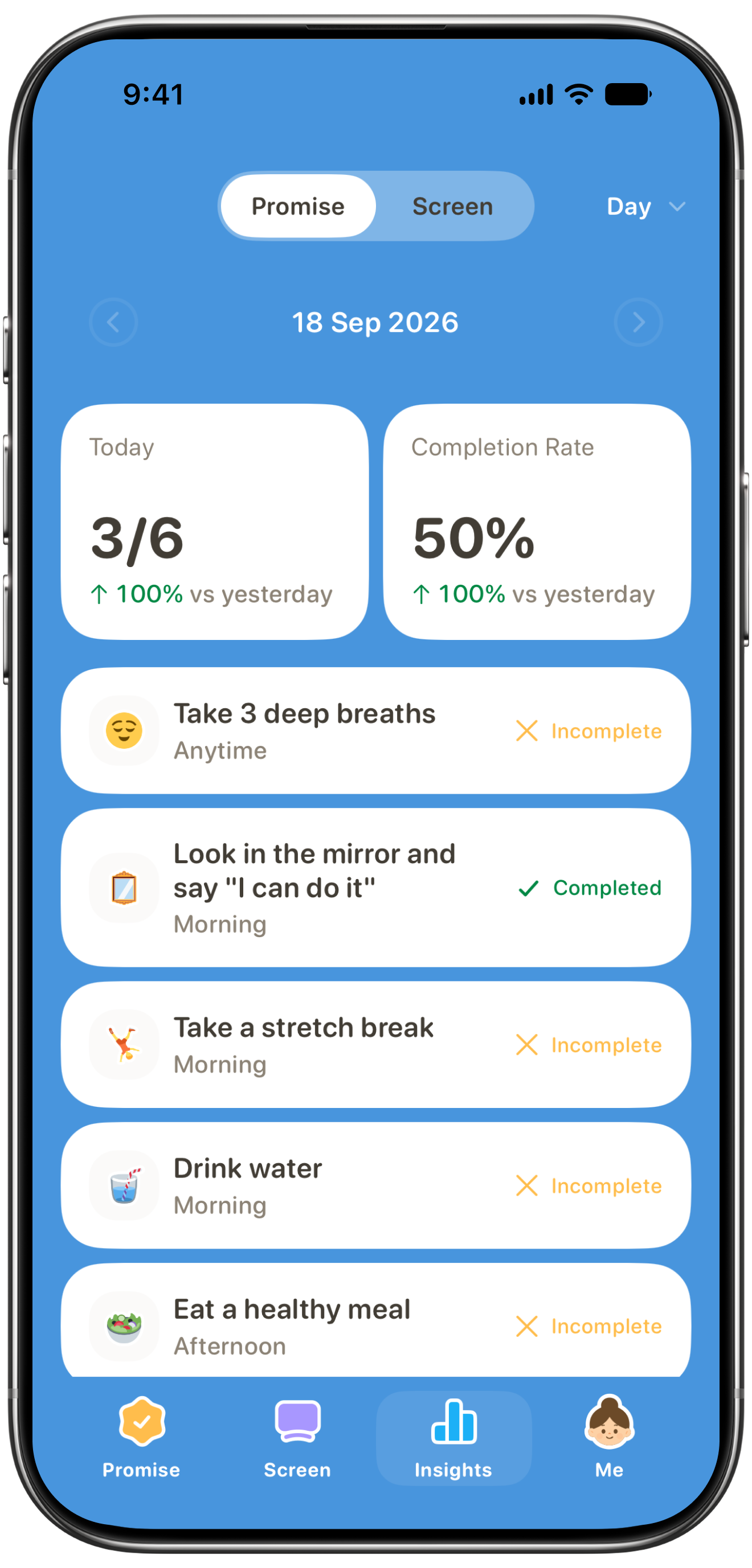
Pause and reflect.See what you moved forward.
Put it into practice. With Mom Clock.
What a focus session can look like
2:00 PM
Selected distracting apps blocked.
Focus session begins.
2:17 PM
You feel the urge to check Instagram.
The app is unavailable, so you stay with the task.
2:30 PM
Focus session ends.
2:31 PM
Choose whether to stop, take a break, or continue.
Make room for 30 minutes of focus.
Pick one task. Let Mom Clock help keep distractions out of the way.
A few useful answers.
How long should a focus session be?
Try 20–30 minutes as a starting experiment. Shorten it if starting feels daunting; extend it when the task calls for more time. Include a break.
Is multitasking bad for focus?
For work that needs your attention, choose one task per window. Leave messages and unrelated work for a separate check-in.
What should I do when my mind wanders?
Notice it, write down anything you need to remember, and return to the next small action. Wandering does not mean the session is lost.
Should I block all apps?
Keep the tools you need available. Block the apps you tend to open automatically, and leave a way to receive essential calls or messages.
Is music helpful while focusing?
Try a session with music and one without. Keep whichever makes it easier to stay with your particular task.
How many focus sessions should I do in a day?
Start with one protected window. Add more only when they fit your workload, breaks, and other responsibilities.