Screen Time
Your phone. On your terms.
Mom Clock helps you put boundaries around screen time so your attention, sleep, and routines have room to breathe.


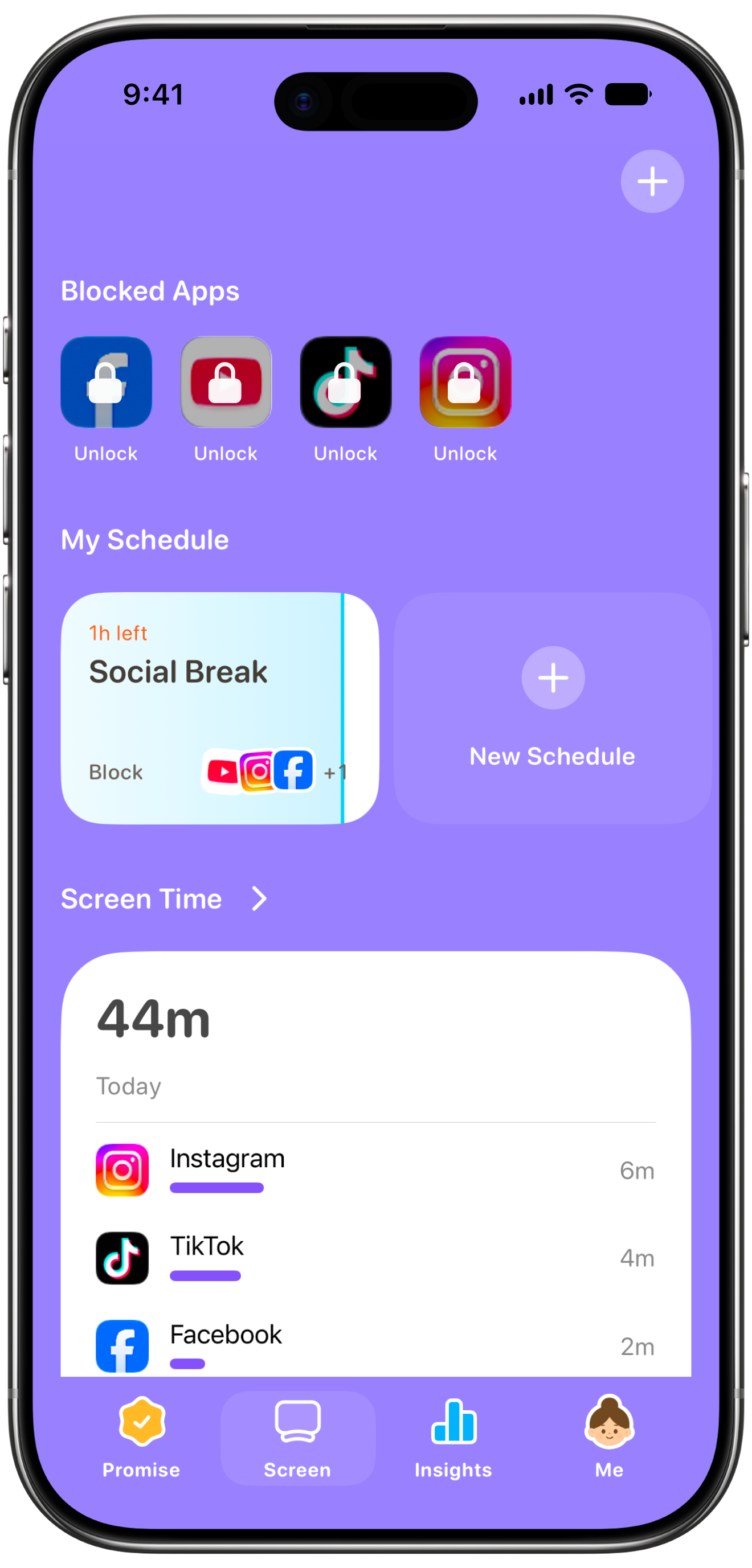
Set boundaries for your phone.Make room for your life.
Protect what matters.Fewer interruptions. More time.
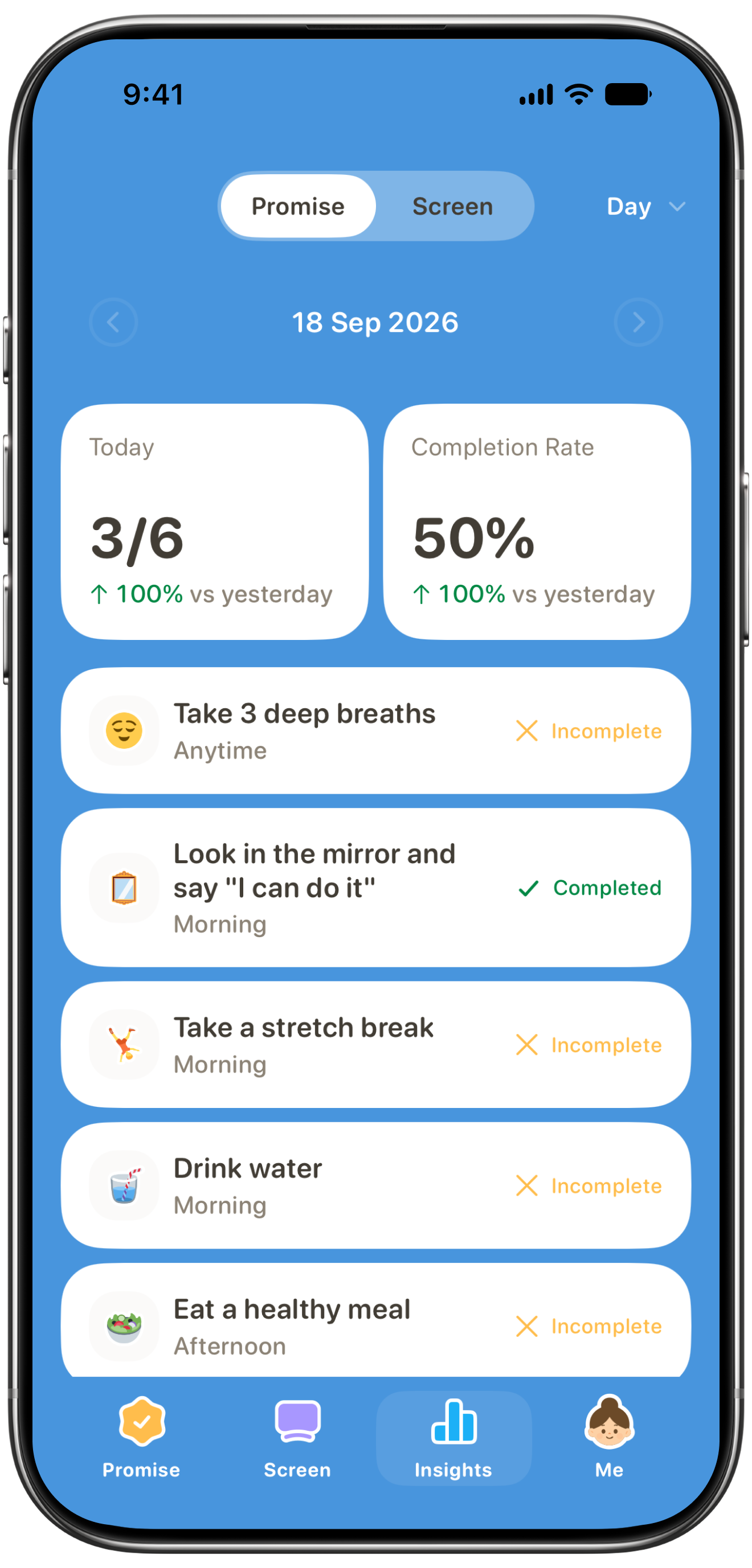
See your patterns.Choose what to change.
Put it into practice. With Mom Clock.
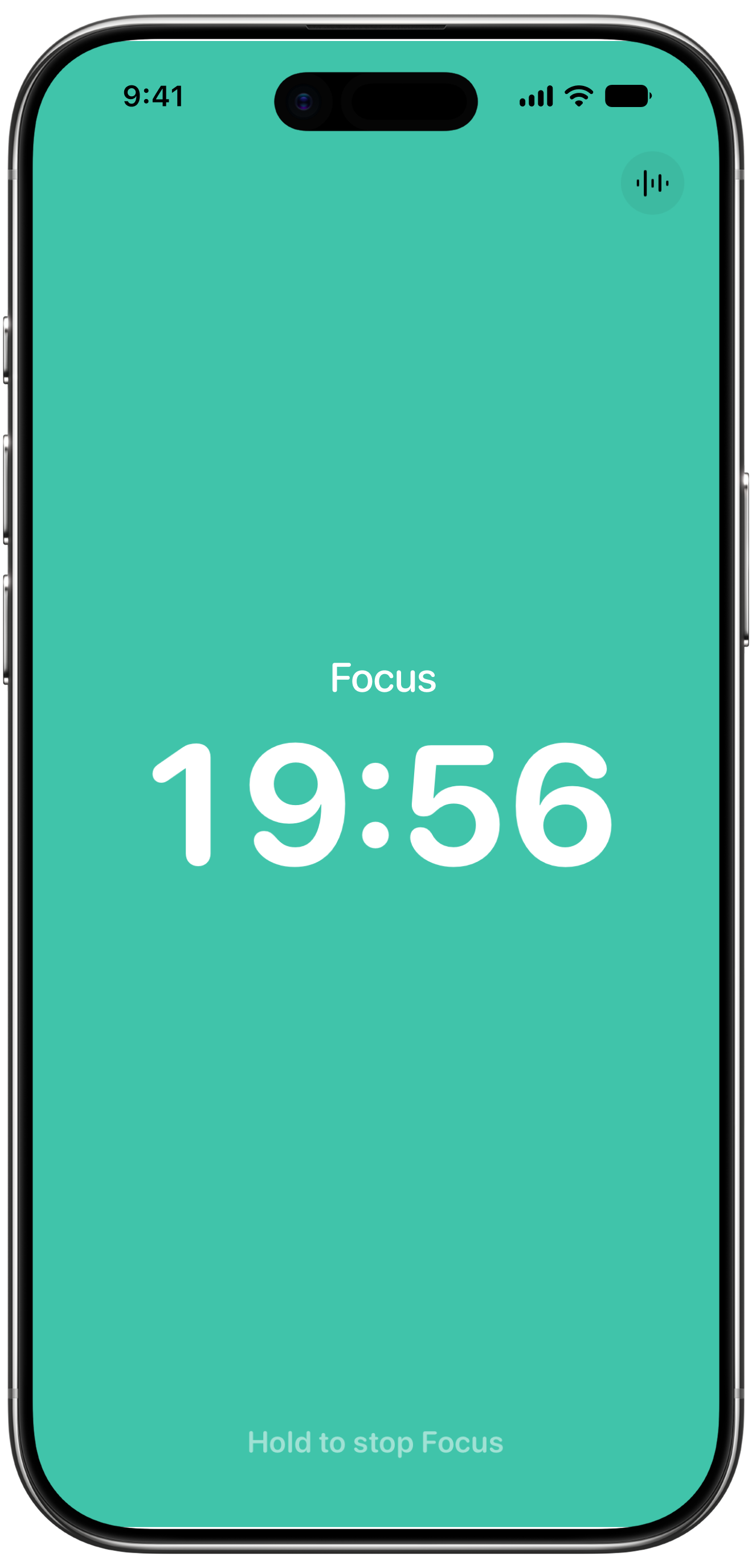
What this can look like
Morning
Social apps stay blocked until after breakfast.
Study / Work
Selected distracting apps are unavailable during focus windows.
Afternoon
Normal phone access returns.
Evening
Entertainment is allowed, but a bedtime boundary starts later.
Night
High-risk apps stay blocked until morning.
Give your attention somewhere better to go.
Make space for sleep, work, or time together with phone boundaries you choose.
A few useful answers.
How much screen time is too much?
There is no single useful hour limit for everyone. Look at whether phone use displaces sleep, work, relationships, or rest you wanted to protect.
Is all screen time harmful?
No. Calling a friend, navigating, and intentional entertainment serve different purposes from scrolling you did not choose. Consider the context and what gets interrupted.
Should I delete social media apps?
You can if that suits you. First try a specific boundary or moving the app out of easy reach. Keep access that you intentionally value.
Are app blockers effective?
They can put a pause between an urge and opening an app. Pair blocking with a clear plan for what you want to do during that time.
Should I use strict blocking or limits?
A time boundary suits study or bedtime; a usage limit may suit flexible leisure. Choose the least restrictive boundary you can reliably keep. Check which controls your app supports.
What is the best way to reduce late-night scrolling?
Choose a stopping time, schedule blocking for the apps you keep opening, and charge your phone away from bed. Prepare something else to wind down with.